Switch back to main site : Click Here


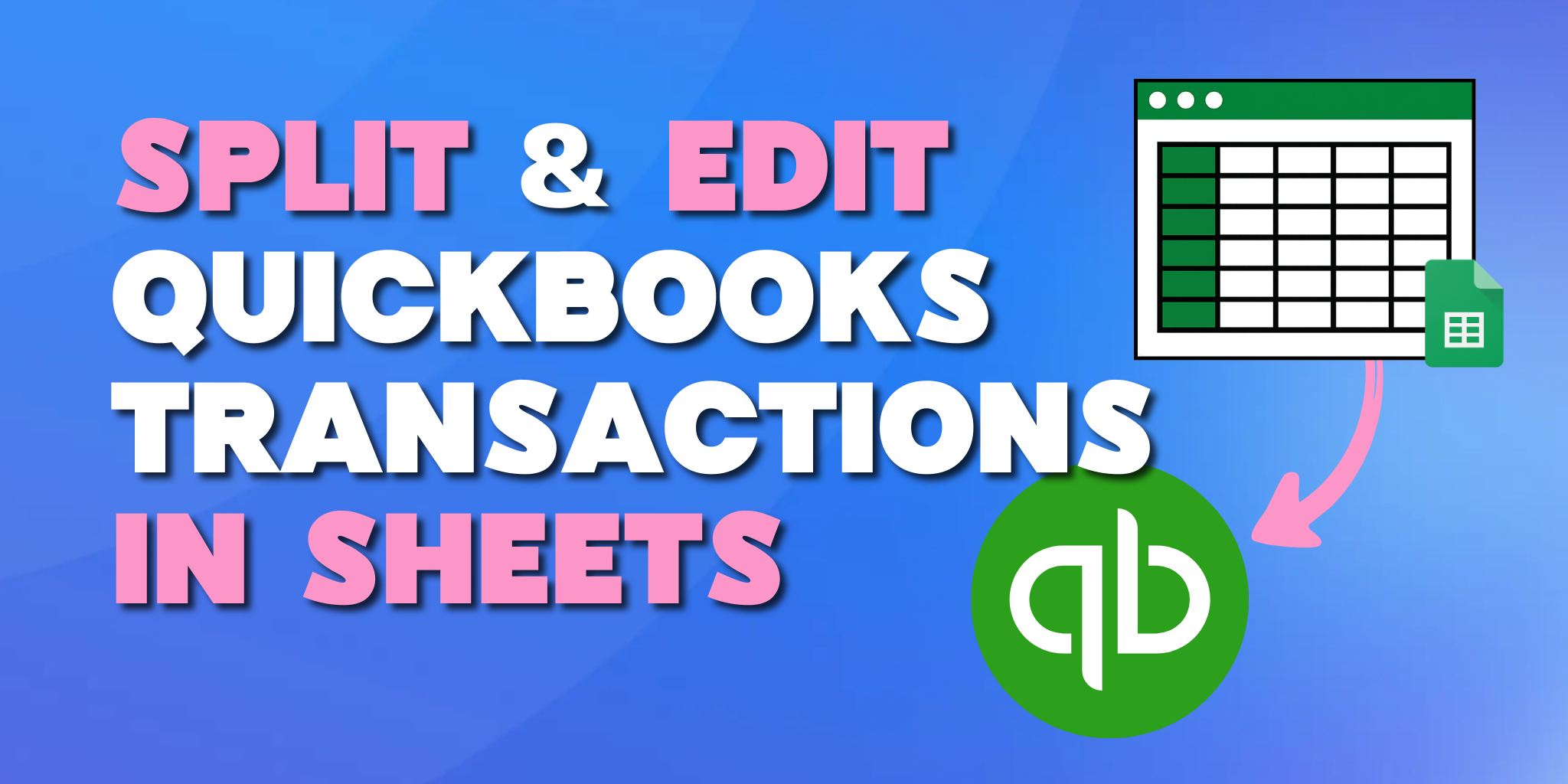
If you’re managing large transaction volumes in QuickBooks bookkeeping software, you know that data entry is only half the battle. The real work often begins at month-end, when dozens of transactions need to be split across departments or reclassified to different accounts.
In the standard QuickBooks Online interface, editing transactions one by one is a bottleneck. But, with FinOptimal’s Booker, you can pull your data into Google Sheets, make bulk adjustments, and sync them back in the blink of an eye.
Keep reading to learn how to handle complex splits and reclassifications without the manual grind.
QuickBooks is excellent for recording what happened, but it can feel a bit rigid when you need to change the “how” or “where” of transactions after the fact.
Probably, some of these resonate with your experience:
For big and/or fast growing teams, these so-called “quick fixes˝ can quickly turn into hours of manual data entry that delay the monthly close.
The secret to faster cleanup isn't leaving QuickBooks, it’s extending it! Using tools like Booker, you can export existing transactions in QuickBooks directly into a live Google Sheets document.
Once the data is in Sheets, you’ll have an editable interface where you can:
This streamlined workflow is possible through FinOptimal’s proprietary integration, ensuring that your spreadsheet and your accounting software stay in perfect harmony.
Allocating expenses is where the split functionality shines. Whether you're dividing a large vendor bill across three different departments or allocating the monthly amortization of a prepaid across departments, using a spreadsheet can feel like the fastest way to do it.
With Booker, however, you can take a single transaction row and split it into multiple lines, and because you’re in Google Sheets, you can use formulas to ensure your splits always equal the original total. This is a game-changer for:
One fear of editing outside the system is breaking the books. FinOptimal solves this by building validations into the process.
Before any data is pushed back into your QuickBooks, Booker checks:
This means you can have both the flexibility of a spreadsheet and the guardrails of professional accounting software.
Once your reclassifications are finished and your splits are balanced, the final step is a single click.
By clicking that beautiful, green “Book” button, FinOptimal pushes all updates directly back into QuickBooks.
You can forget about CSV files to upload and manual "matching" of imported rows; "re-cleaning" data after import is now a thing of the past.
Your QuickBooks audit log will reflect the changes, and your financial reports will be updated in real-time. This transforms month-end from a data entry marathon into a high-level review process.
Stop clicking through individual forms and start managing your data in bulk. FinOptimal bridges the gap between the power of QuickBooks Online and the flexibility of Google Sheets. You can start now with Booker, here.