Switch back to main site : Click Here


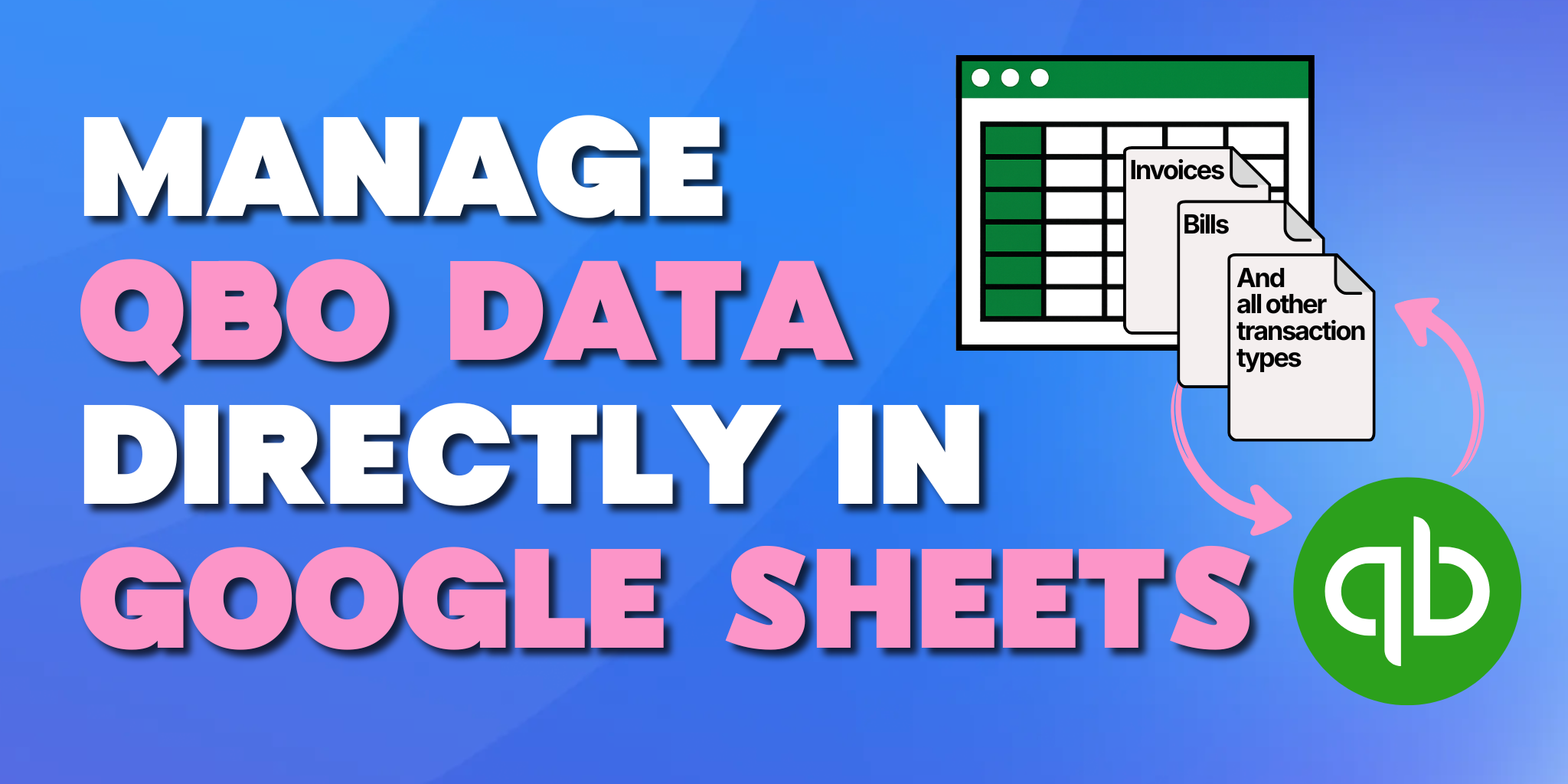
Let's be honest: your accounting workflow starts in Google Sheets.
You build the journal entry there. You collaborate with your team, apply formulas, and validate everything before it ever touches QuickBooks Online.
But then comes the upload. You export a CSV, import it into QuickBooks, and hope nothing breaks. If something does? You're back to square one. Rebuilding the file. Re-importing. Crossing your fingers that this version sticks.
Here's the thing: getting data into QuickBooks is already painful. Some teams are still doing it manually. Others rely on one-time CSV uploads. But even the CSV route falls apart the moment you need to update that data.
That's exactly why we built Booker Unlimited, a Google Sheets-to-QuickBooks Online integration that doesn't just import your data once and disappear. It lets you manage, update, and control your QuickBooks data directly from the same Google Sheet, over and over again.
QuickBooks Online offers several ways to import data, and on the surface, they look efficient. You upload a file, map columns, confirm totals, and the data lands where it should.
The problem isn’t the import itself. The problem is what happens next.
Once a CSV upload is complete:
For workflows involving accruals, prepaids, deferred revenue, or recurring journal entries, this creates unnecessary work. Accounting data rarely stays static, and one-time imports are not built for ongoing management.
There’s a reason Google Sheets remains central to accounting workflows, even for teams fully committed to QuickBooks Online.
Sheets provide:
For many teams, Sheets already act as the planning layer, review layer, and adjustment layer. The missing piece has been a reliable way to keep that spreadsheet logic connected to QuickBooks without starting over each time.
Booker Unlimited turns Google Sheets into a live control center for QuickBooks Online. With it you can manage data, update it, and maintain full visibility over what changes and when.
Booker Unlimited is a Google Sheets–to–QuickBooks Online app designed for ongoing data management, not one-time uploads.
Instead of treating spreadsheets as a temporary staging area, Booker Unlimited allows Google Sheets to function as a live control center for QuickBooks data.
With Booker Unlimited, you can:
This creates a continuous workflow rather than a one-off transaction. Accounting teams keep the visibility and flexibility of spreadsheets while maintaining accurate, up-to-date records in QuickBooks.
Most QBO import tools focus on getting data into QuickBooks once. Booker Unlimited focuses on managing that data over time.
Key differences include:
Data doesn’t stop being editable after the first import. You can adjust values, correct errors, or update fields and push those changes back to QuickBooks without rebuilding files.
Changes happen in Google Sheets, where every row, column, and formula is visible before anything reaches QuickBooks. This makes reviews, approvals, and QA significantly easier.
Booker Unlimited isn’t limited to pushing data into QBO. You can pull specific datasets out of QuickBooks into Sheets, modify them, and send updates back.
Customers, vendors, items, classes, departments, and other reference data can be created or updated directly from the spreadsheet alongside transactions.
This approach aligns with how accounting teams already work, rather than forcing them into a rigid import-only process.
Booker Unlimited supports a wide range of QuickBooks Online data types, making it useful across many accounting workflows.
Common use cases include:
Each of these can be managed directly from Google Sheets, with updates pushed to QuickBooks as needed.
Booker Unlimited is especially valuable for teams dealing with high-volume or recurring accounting tasks.
Large cleanups are easier when changes can be reviewed in bulk. Sheets provide clarity, and Booker Unlimited ensures those changes are reflected accurately in QBO.
For finance teams managing regular updates, Booker Unlimited eliminates repetitive imports and reduces reliance on manual edits inside QuickBooks.
Bulk editing in QuickBooks Online has historically been limited. While some fields can be updated in batches, complex or multi-line changes often require individual edits.
By using Google Sheets as the editing environment, Booker Unlimited provides teams with a safer, more efficient way to make large-scale changes. Every adjustment can be reviewed before it affects the books, and every update follows a consistent structure.
This is particularly useful for accounting professionals responsible for accuracy, audit readiness, and repeatable processes.
Booker Unlimited is built for:
It fits into existing workflows rather than requiring teams to rethink how they work. There’s no ERP, no heavy implementation, and no need to abandon spreadsheets that already play a central role in accounting operations.
Accounting is iterative. Numbers change, assumptions evolve, and adjustments are part of the job.
Booker Unlimited supports that reality by keeping Google Sheets and QuickBooks Online connected over time. Instead of treating spreadsheets as disposable upload files, it allows them to remain the working layer while QuickBooks stays accurate and up to date.
If your team already relies on Google Sheets to manage accounting data, Booker Unlimited gives you a way to finally control what happens in QuickBooks without starting over every time. Book a demo with one of our CPAs to see how Booker Unlimited can improve your operations.

.jpg)