Switch back to main site : Click Here


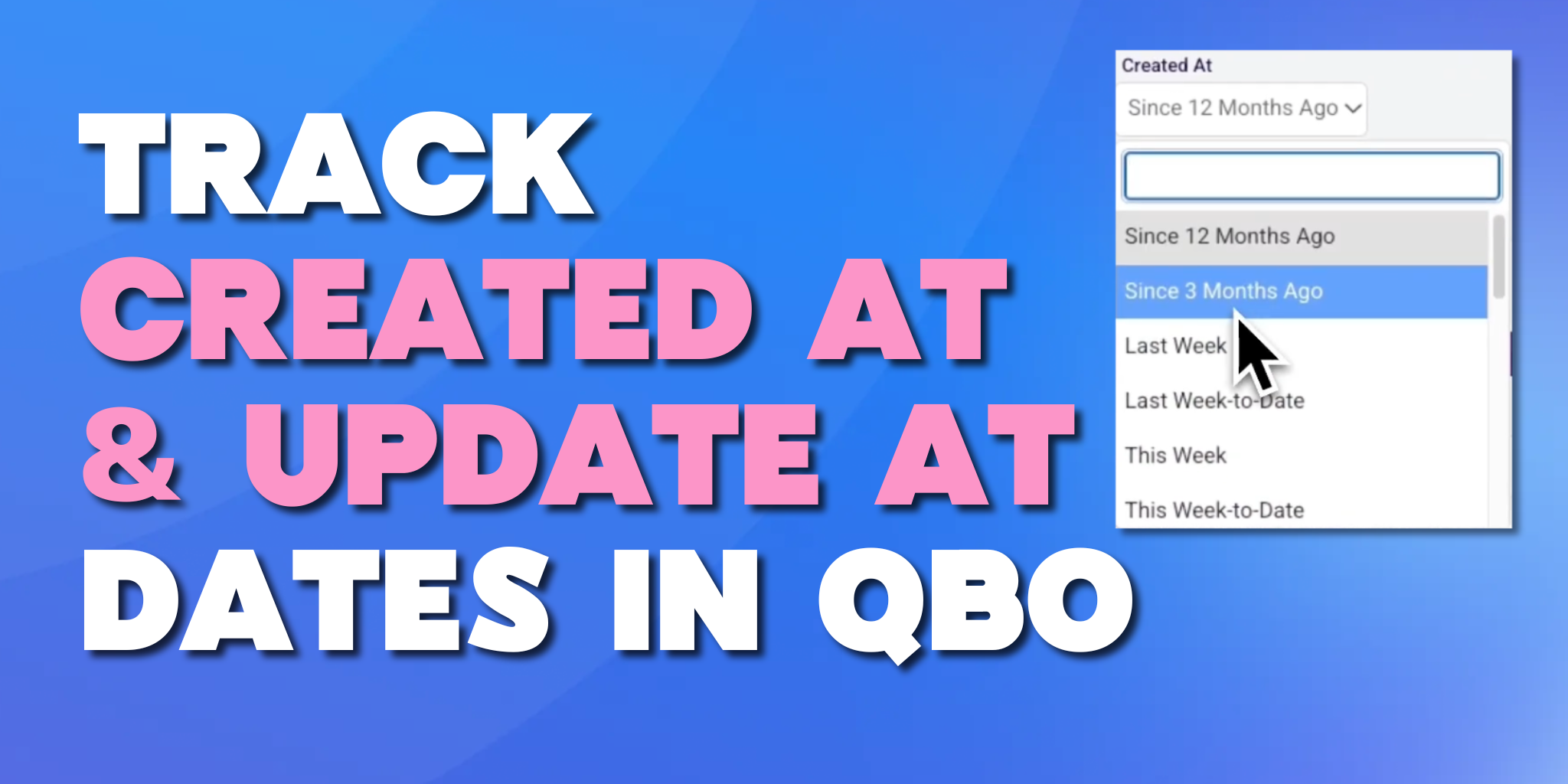
If you’ve ever relied on the QuickBooks audit trail to answer a simple question like, “When was this actually created?” or “Who updated this yesterday?” — you already know the experience can be… limiting.
Yes, QuickBooks includes an audit log. But if you’ve tried turning it into a clean, filterable report you can actually work with, you’ve likely hit friction.
What if you could:
That’s exactly what Wrangler’s Magic Report makes possible. Let’s break it down.
The QuickBooks audit trail is useful for tracking activity history. It shows changes made to transactions and user activity over time. For many accounting teams, that’s where the story ends.
But here’s the challenge:
You can see changes. But can you easily answer questions like:
Those are operational questions — not just audit questions.
And that’s where most teams realize the standard QuickBooks audit log doesn’t give them the control they need.
Let’s clarify something important. When working with transactions in QuickBooks, there are three different timelines at play:
QuickBooks reporting typically revolves around the transaction date. That’s useful for financial reporting.
But operationally? Created and updated timestamps often matter more.
For example:
The audit trail technically contains this history — but not in a format that’s easy to filter, combine, and analyze at scale.
Wrangler’s Magic Report gives you the ability to query any dataset from QuickBooks and pull it into a spreadsheet.
Instead of working inside static QuickBooks reports, you:
And now, you can add Created At and Updated At as selectable fields inside that report.
That means these timestamps become real columns in your spreadsheet — not buried inside the audit log. Even better? You can filter on them independently.
This is where it gets powerful. Historically, you could filter reports by transaction date range. Now, with Wrangler, you can say:
That exact slice of data gets delivered into a spreadsheet as a fully filterable dataset. That’s a major shift from how the traditional QuickBooks audit trail works.
At month-end, you may want to know: What transactions were entered after we closed the books, but dated in the prior period?
With Wrangler, you can filter:
Instant visibility. No manual audit log scrolling required.
Concerned about changes after reporting?
Filter:
You immediately see what was modified — and when. That’s a level of clarity the standard QuickBooks audit log doesn’t easily provide in report format.
If your team is racing to clean up misclassifications:
Filter:
Now you can quickly review what changed and verify accuracy.
Want to understand workflow lag?
Compare:
If transactions are consistently created days after they’re dated, that signals process delays.
During audit season, external reviewers often ask:
Instead of navigating the audit trail entry-by-entry, you can generate a structured dataset and filter instantly. That’s making the QuickBooks audit trail usable at scale.
In the Magic Report, the dataset flows directly into your spreadsheet. By default, it’s view-only, a clean reporting layer.
But if you’re using Booker Unlimited alongside Wrangler, you can actually:
That’s beyond traditional audit functionality.
Instead of just identifying issues, you can fix them without jumping between screens. (We cover editing workflows in other resources, but it’s worth noting how powerful the combination becomes.)
Month-end close is often less about accounting theory and more about operational control.
Teams need to know:
The built-in QuickBooks audit trail provides visibility, but not flexibility.
Wrangler adds:
That’s a major improvement for teams managing high transaction volumes.
One of the most common misconceptions about reporting tools is that they make things more complicated.
But Wrangler doesn’t replace QuickBooks.
It simply lets you:
There’s no new accounting system, reimplementation, or complex ERP shift. Just better access to the data you already have.
Use the standard QuickBooks audit log when you need:
Use Wrangler when you need:
In short: The audit trail shows history. Wrangler lets you analyze it.
Accounting teams don’t just need visibility. They need control.
By adding Created At and Updated At fields into a fully filterable spreadsheet environment, Wrangler bridges the gap between:
If you’ve ever felt constrained by the built-in QuickBooks audit trail, this is the upgrade you didn’t know you needed.
Instead of asking: Can I see when this changed?
You start asking: What slice of data do I want to analyze?
And then you instantly get it.
QuickBooks gives you an audit trail. Wrangler makes it usable.
With the ability to filter transactions in QuickBooks by:
Independently and simultaneously, you gain a level of clarity that transforms month-end, cleanup workflows, and audit preparation.
For accounting teams who live in QuickBooks but need deeper reporting control, that difference matters. If better visibility into your data sounds useful, the Wrangler Magic Report is worth seeing in action.