Switch back to main site : Click Here

.jpg)
The FinOptimal MCP lets your AI agent work with your QBO data and FinOptimal workflows. If you haven't connected it yet, the setup steps are in our launch post. If you’re curious about how to fit it into your workflow, these are the five places I'd start.
Ask: "How many unreconciled transactions do I have in this client right now?"
It returns the transactions in the bank feed that aren't in QBO yet. You get the same list Reconciler shows, in the assistant you're already working in. From there you can ask for it as a table, sort it, or add a column.
This is the easiest place to see what the MCP is good at. There are two versions of the problem.
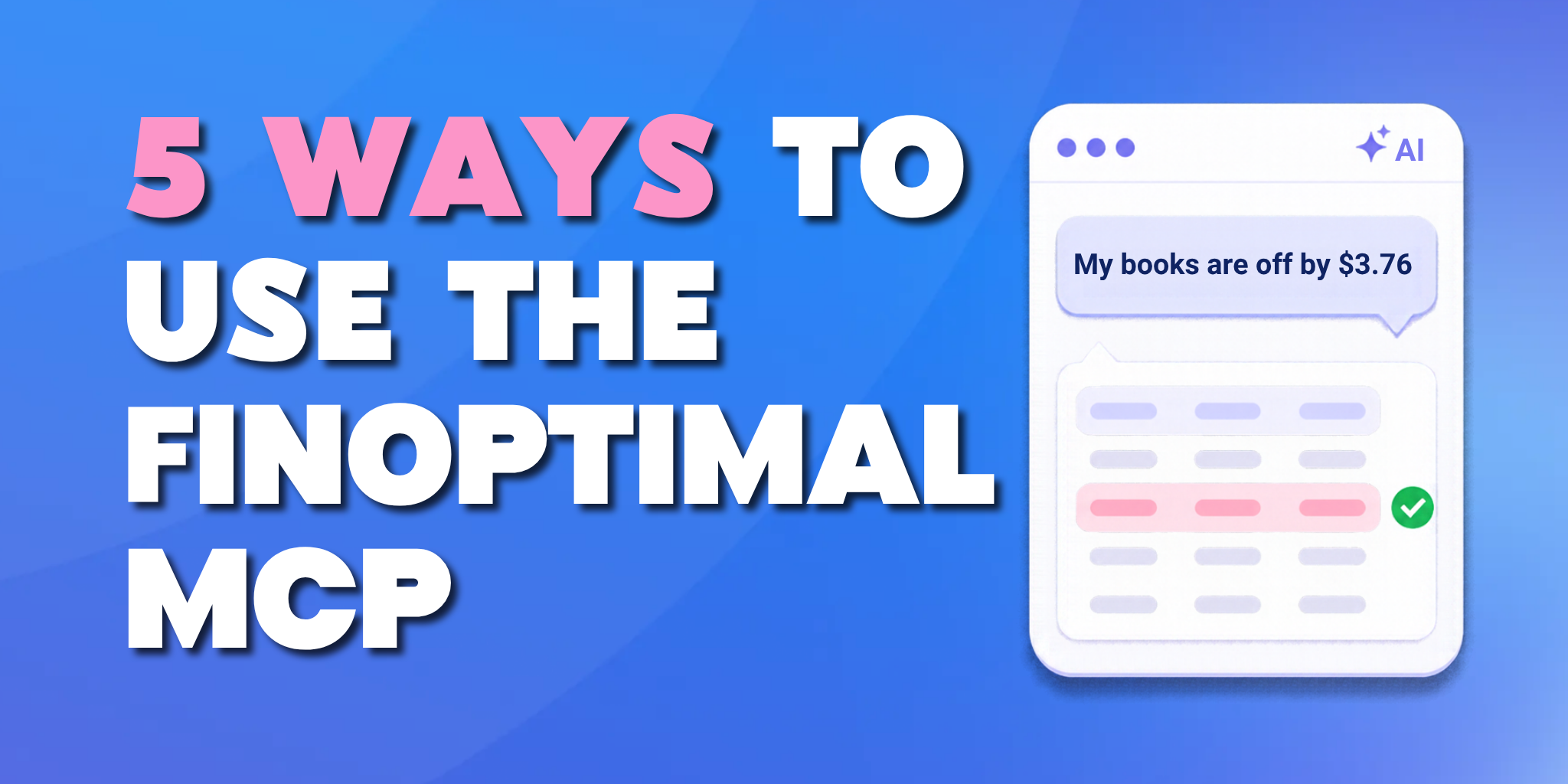
The first is an amount that doesn't tie. Tell it "My books are off by $3.76." It looks for a single transaction that matches. If there isn't one, it looks for a combination of transactions that adds up to the difference. The combinations are the slow part to do by hand.
The second is an entry that showed up in the books and shouldn't have. For that you need to filter by the date a transaction was created, and QBO doesn't make that easy. The transaction date tells you when something happened. The created date tells you when someone booked it. You can ask:
"Give me a table of this client's transactions touching the Stripe account, dated after 9/20 but created after 9/22."
Then keep refining. "Add a column for the date the transaction was created."
Ask it to create a journal entry, an invoice, or another transaction. It stages the entry and shows it to you. Nothing books until you approve it. Once it's booked, you get a direct link to the entry in QBO.
For bulk work, paste in a spreadsheet and ask it to create invoices from it. If something it needs is missing, it asks you for it.
It can also delete entries. QuickBooks Online has no real undelete, but if you need a deleted entry back, you can ask the MCP to recreate it. That works whether it was deleted through the MCP or directly in QuickBooks Online, as long as the company was connected to FinOptimal at the time. The restored entry is a new transaction with the same details.
You can run an existing Booker workflow from the assistant, or have it build a new Booker or Wrangler workflow. When a workflow is close but not quite right, describe the problem:
"The query doesn't show me exactly what I want. Can you tweak it?"
It changes the workflow's configuration for you.
Your AI assistant has its own features for charts, documents, and connecting to other apps. Through the MCP, it can pull FinOptimal data and use those features on it.
For example, you can ask it to pull the unreconciled transactions, chart the last 10 days with unmatched items in red and matched items in green, and send a summary to a teammate in Slack.
FinOptimal won't integrate with every tool your firm uses. The MCP lets your assistant do that connecting.
If you're sharing the work with your team, or asking a question across a group of clients, we also offer FinOptimal Chat, right in the FinOptimal app. Chats there can be shared with teammates, so everyone can see the conversation and ask their own follow-up queries. Those FinOptimal Chats can also be scoped to one client, a group of clients, or the whole firm.
So you can choose the tool that fits into your workflow: Leverage the MCP when you're already working in an AI tool or need to blend FinOptimal data with another tool, or stay in FinOptimal to run an AI chat inside the tool you’re already using.